
BEFORE
Before
Stop playing → open chat → type → hit enter. You look up — your champion has been standing still for three seconds.
+3s · standing still, getting hit
KOTONE · THE RELAY STATION
Your fingers never leave the keyboard. Say it — don't wait a second.
Windows 10 / 11 · x64Stop playing → open chat → type → hit enter. You look up — your champion has been standing still for three seconds.
Hold a hotkey, say “jungler bot side”. Release, and the words are already sent. Your fingers never left the keyboard.
Kotone is communication that never interrupts — input inside the flow of the game, not outside of it.
Six pieces, all crafted around one rule: keep your hands on the keyboard.
Default X-ASR runs locally with bilingual punctuation as you speak; VAD voice-activity detection ships with the app.
Hold-to-talk or tap-to-toggle, bind any key; press again while the hint is showing to start the next line instantly.
100 League of Legends terms built in; new entries merge on update, your customizations and deletions never get lost.
Card or capsule styles, fully draggable with saved position, click-through to the game; streaming engines render text live.
Disable or clear history anytime. Enable audio saving to replay new recordings. Empty transcriptions are not sent and show a helpful message.
Recognition is local by default. Optional online ASR sends audio; AI processing sends relevant text to your chosen service. Audio saving is off by default.
From hold-to-talk to one-shot to never-stopping — one of these is your rhythm.
Hold to talk, release to send.
As direct as a radio: hold the hotkey, speak, release — it sends. No hesitation.
Tap to start, tap to stop.
Tap to start, tap again to stop, then confirm the read-only preview to send the whole take.
Auto-stops and auto-sends when you're done.
Tap the hotkey to start. A natural pause ends transcription and sends; tap again if you need to end manually.
Continuous listening — one phrase, one send, tap again to stop.
Tap to start continuous listening. VAD marks each sentence, sends it instantly, never stops. Casting, reading chat, calling shots — one flow. Tap again to stop.
Recognition is local by default. Online ASR or AI processing sends the relevant audio or text to the service you select.

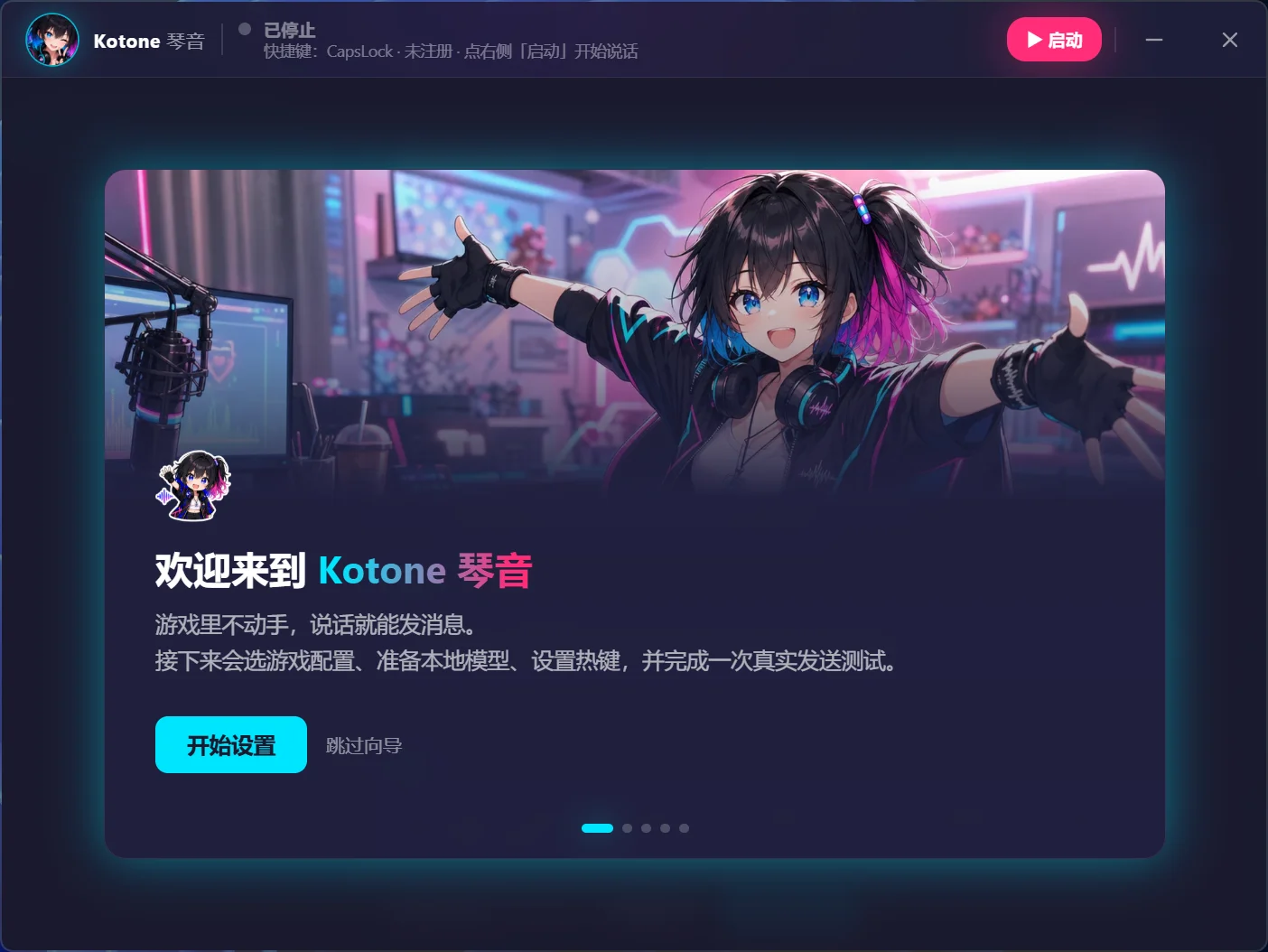

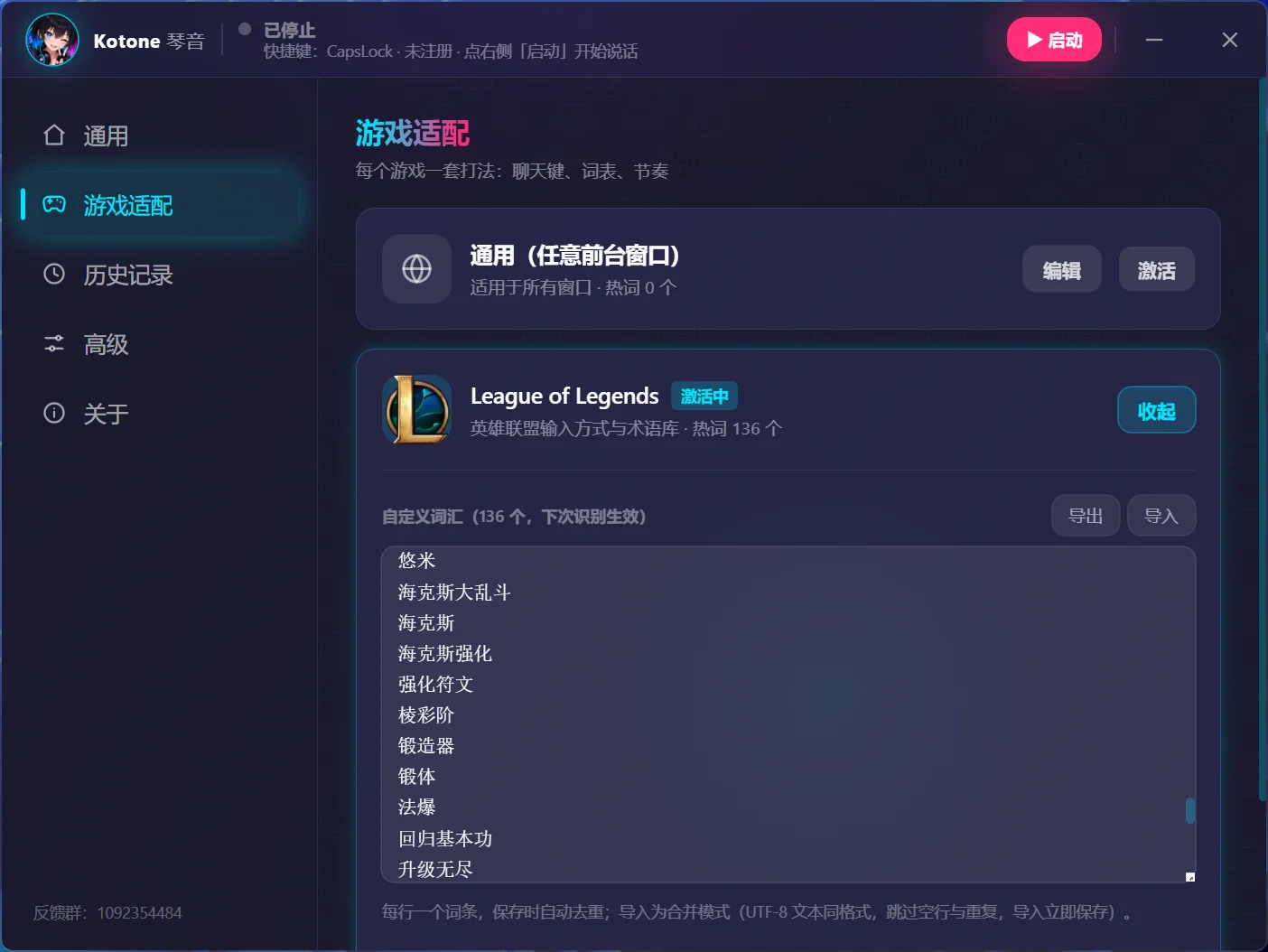
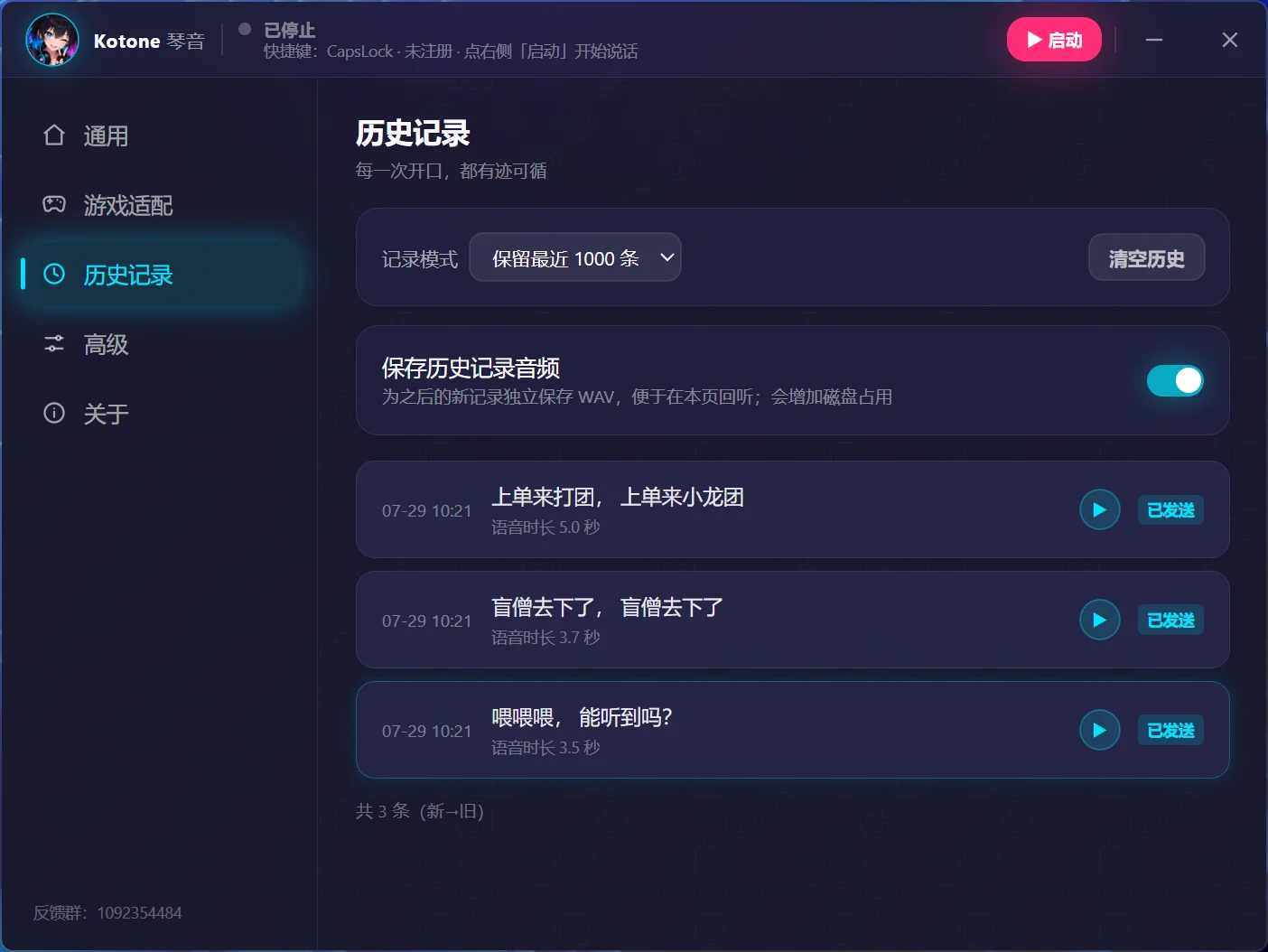
Windows 10 / 11 · Interface evolves with releases
Default X-ASR runs locally. Optional online ASR sends audio; AI text processing and reminder creation send relevant text to your selected service.
Evaluation recordings and history audio are off by default. Text history can be disabled or cleared. Diagnostic packages are never uploaded automatically.
Models, glossary, and privacy policy are all public and inspectable.

Free · Open source · Actively updated · Windows 10 / 11 x64